Room Tournament
Room Tour bookings are currently closed while supplier access is on hold.
Sorry, Room Tour Closed
Please contact an admin for manual purchase. Prices may be slightly higher at this time because room supplies are limited.
How To Order
1. Enter player details
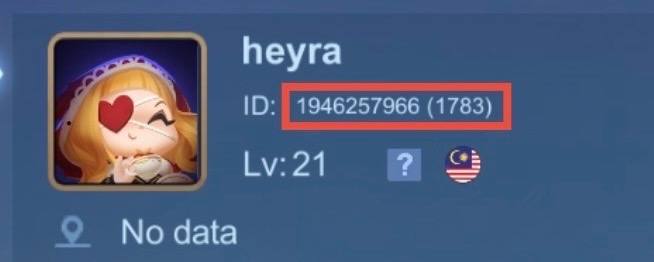
Fill in your User ID, Server ID and in-game name exactly as shown in Mobile Legends.
2. Enter room details
Choose the room/event name, match teams, date, time, duration and room options before continuing.
3. Pick payment method
Choose your preferred payment option. If you use DhzWallet, make sure your wallet balance is enough for the total payment.
4. Confirm and pay
Review your booking summary, contact details and promo code, then complete payment. Keep your order number for support.
Frequently Asked Questions
How do I book a room slot?
Fill in the player, event, date, time, duration and contact details, then complete payment to submit the booking.
Can I choose any date and time?
Available dates and times depend on the current room slot schedule shown on this page.
What happens after payment?
We will use your email and phone number to contact you about the room details and booking status.
Can I change room details after booking?
Contact support as soon as possible with your booking details. Changes depend on slot availability.